IAR does not debug or download my project
If you are not able to debug a project in IAR, try the following:
- Ensure that your debugger is correctly plugged into the module and your PC. Also ensure that Windows has detected them.
- Verify that you have the latest version of your debugger's drivers.
- Ensure that the project configuration is set to your debugger (by default, PEMicro). To check this, perform the following steps:
- Right-click your project in IAR and select Options....
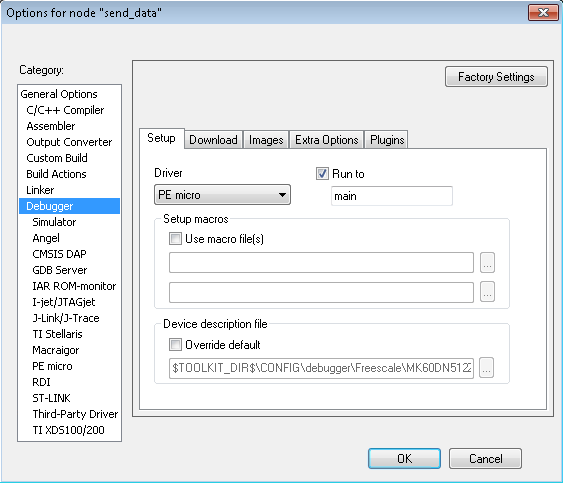
- Select the Debugger option and in the Setup tab ensure that Driver is set to PE micro.
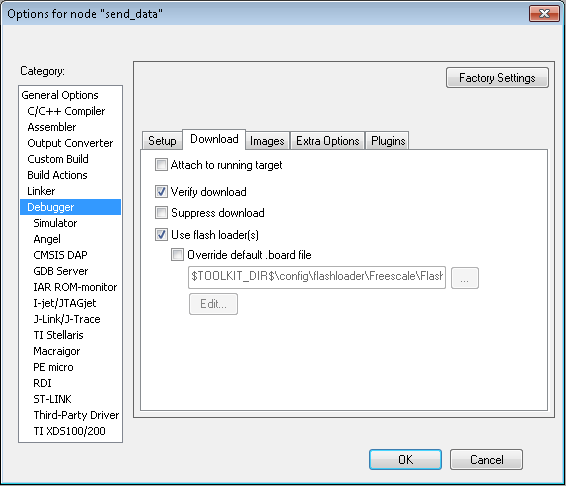
- In the Download tab, ensure that the Verify download and Use flash loader(s) checkboxes are selected.